
Your campaign link can be found in the URL address bar of whatever browser you’re using. There’s also a short code link in your share bar!
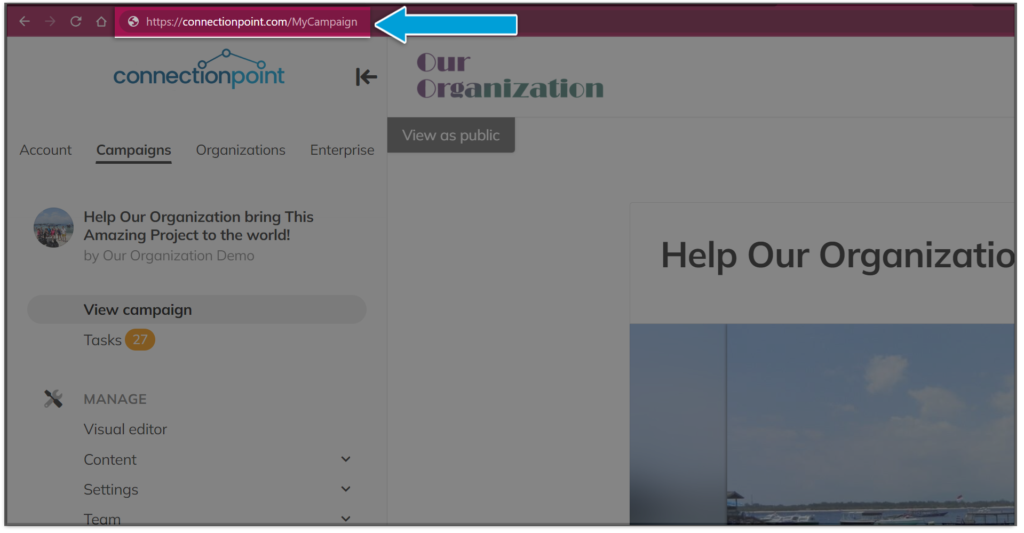
Your campaign is a webpage, so you can find its link in your browser’s address bar:
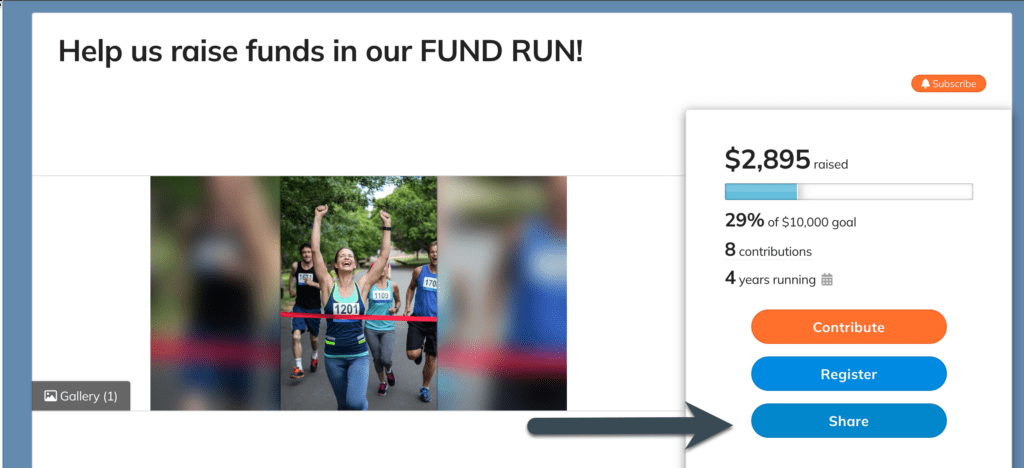
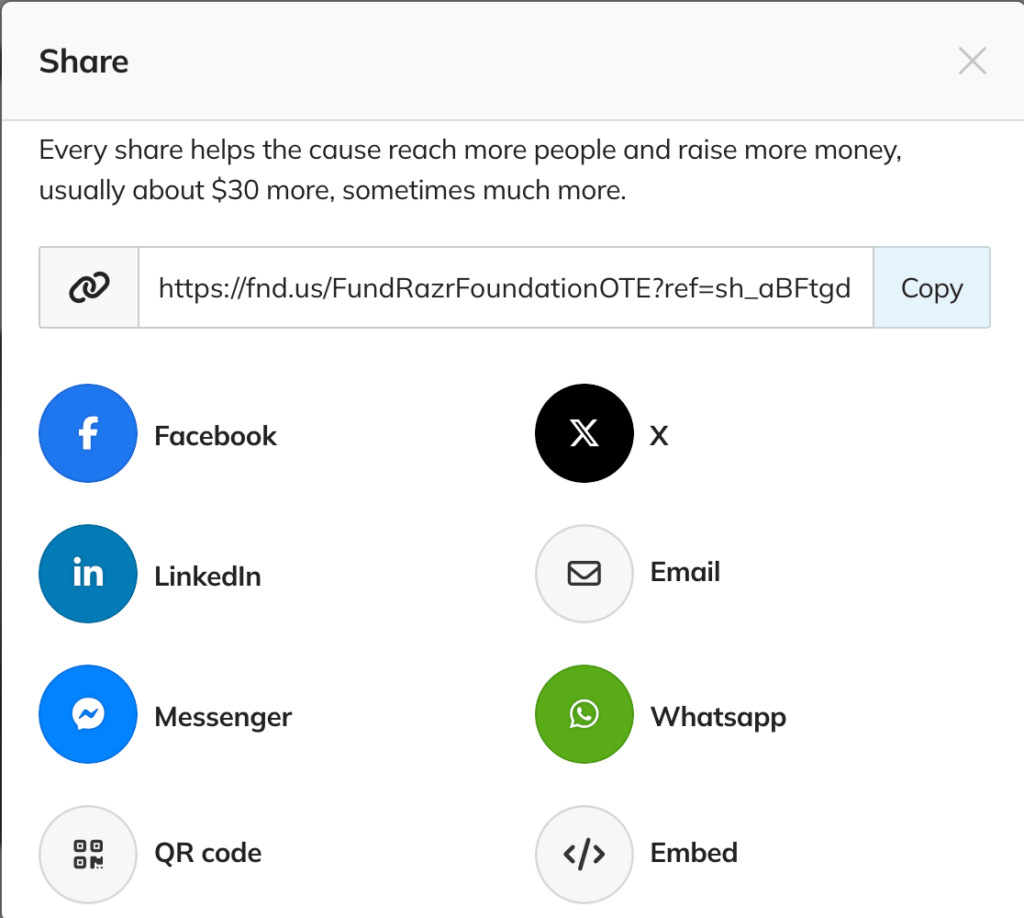
Alternatively, there is a short-code link option in your share bar:
If you share your campaign link with someone before you launch (or while the campaign is paused), they can see your campaign, but they won’t be able to contribute to it. Rather than a ‘Contribute’ button (or whatever you may have customized it to say), they will see a message stating that the campaign isn’t ready to accept contributions. You can see this for yourself by copying and pasting the link in your incognito or private browser.
In this case, campaigns cannot be found by searching for them in a web browser (such as Google, Bing, or DuckDuckGo) or in the platforms’ campaign searches. This means people can’t simply stumble on a campaign that isn’t live yet. So, unless you give someone the link, they will not find your campaign.
Did you know you can customize your campaign URL? See how here!
Wondering what the ?ref with random characters is? This will help!